Travel Hour V3.0

App Features

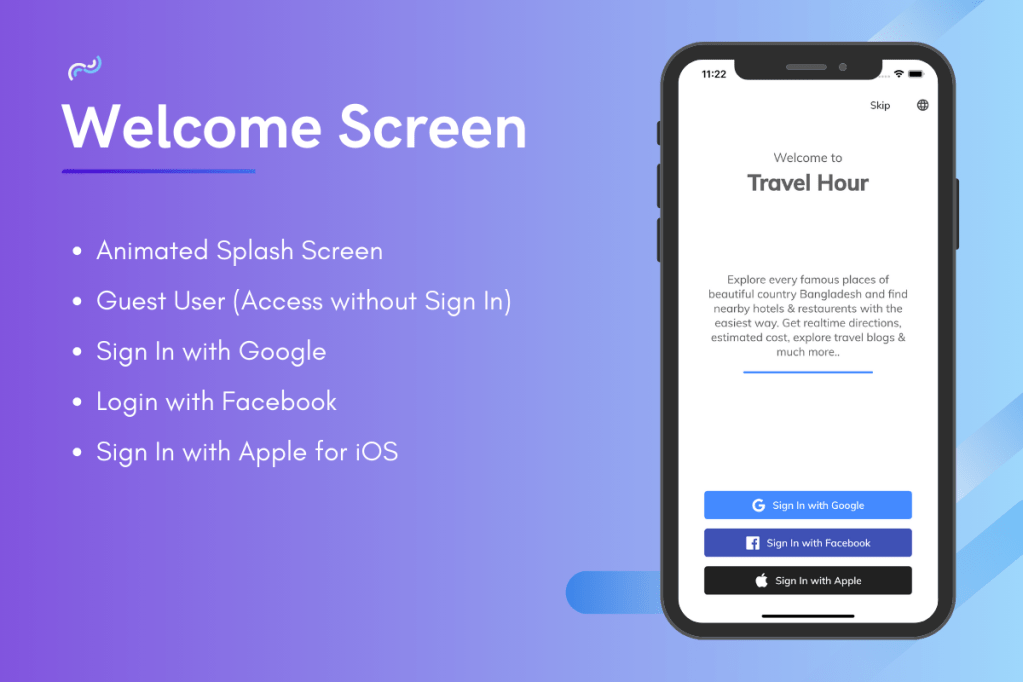
  • Animated Splash Screen
  • User Sign In – Used social media sign in like Google Sign In, Facebook Sign In, Apple Sign In for iOS and also skip sign in feature where user can access the without signup.
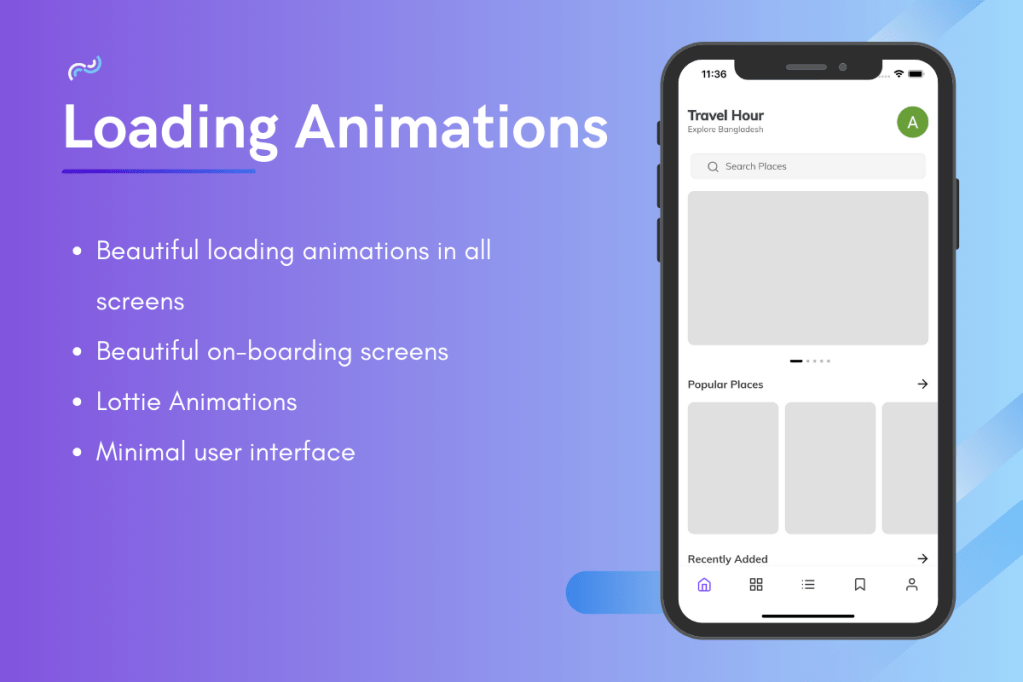
  • On Boarding Screen
  • Loading Animation : Loading animations are available in the all screen which gives users a fluent & smooth experiences on data loading time.
  • Lottie Animation
  • Pagination : Used infinite scrolling which will help to load unlimited data without any problem and reduce database cost.
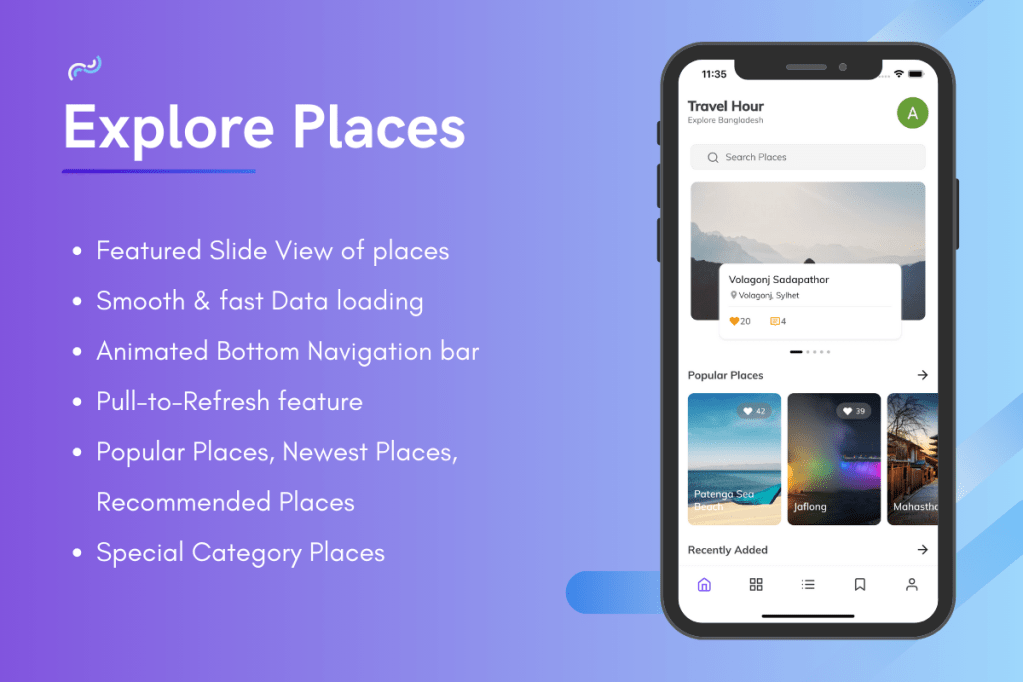
  • Pull-to-Refresh
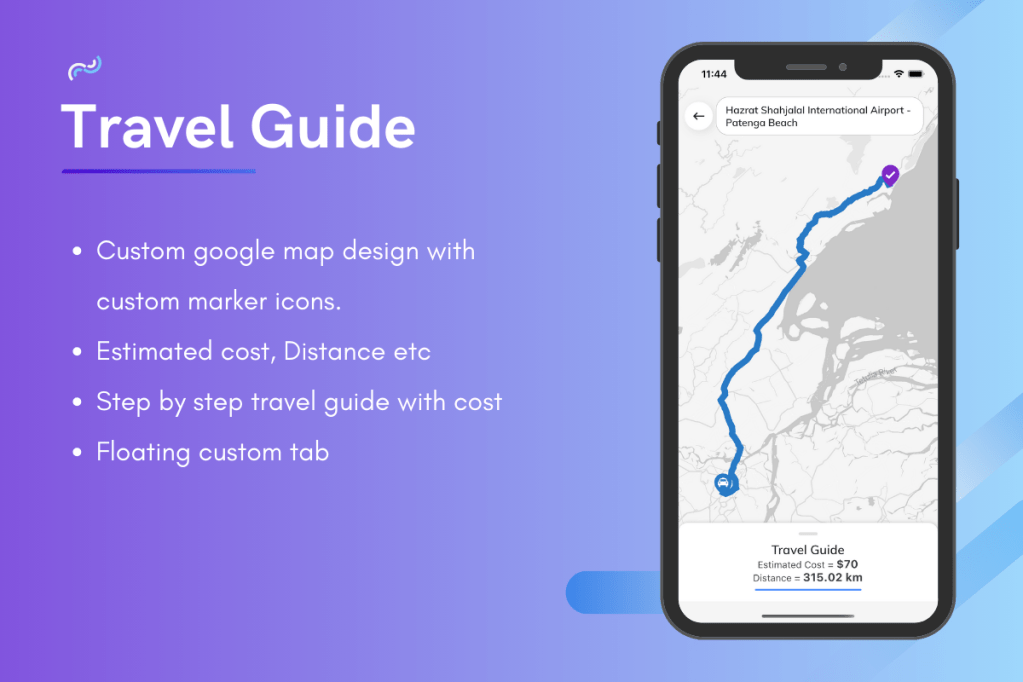
  • Custom Google Map : Used Custom google map & custom marker icons to make a new & elegant design.
  • Google Maps APIs : Used 4 Google Map APIs – Google Map for Android, Google Map for iOS, Places API & Direction API.
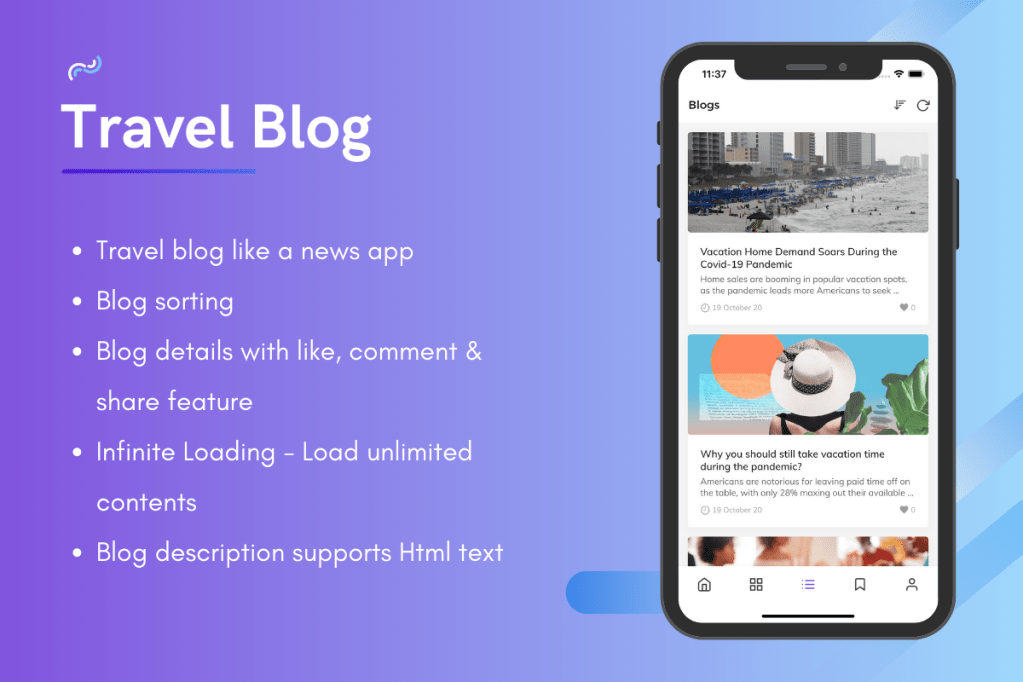
  • Travel Blog : A complete travel blog with users reactions, comments, bookmark feature.
  • Travel Guide : A Map view between source & destination place, estimated cost, distance between two places and step by step travel guides with cost.
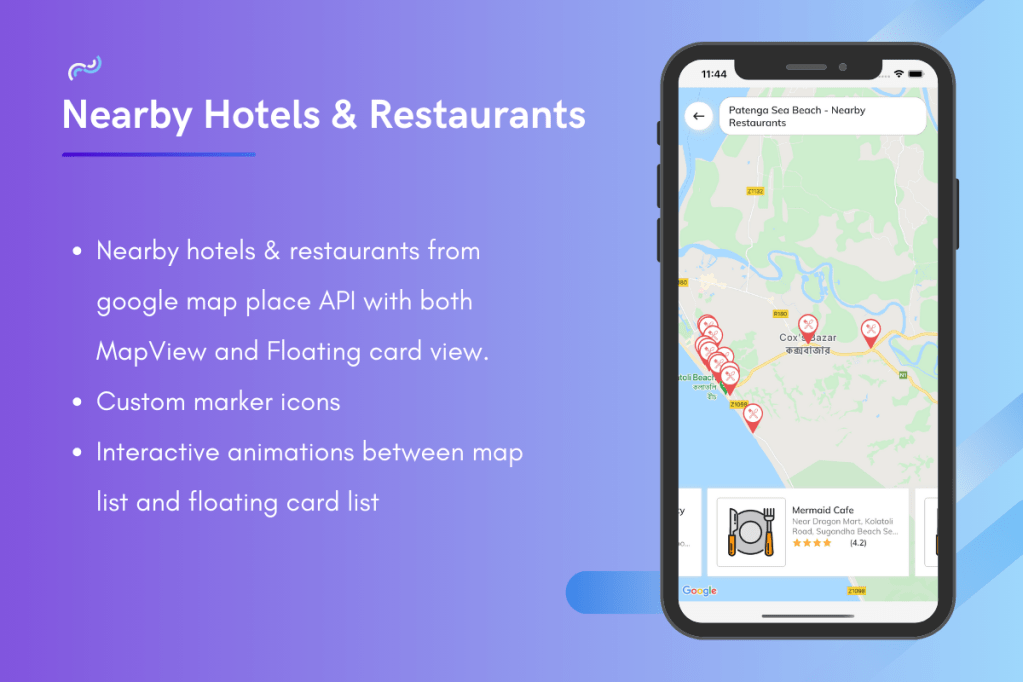
  • Nearby Hotels & Restaurants : Used Google Places API to show nearby hotels and restaurants on the google map. Applied an interactive animation between Google Map and Places List.
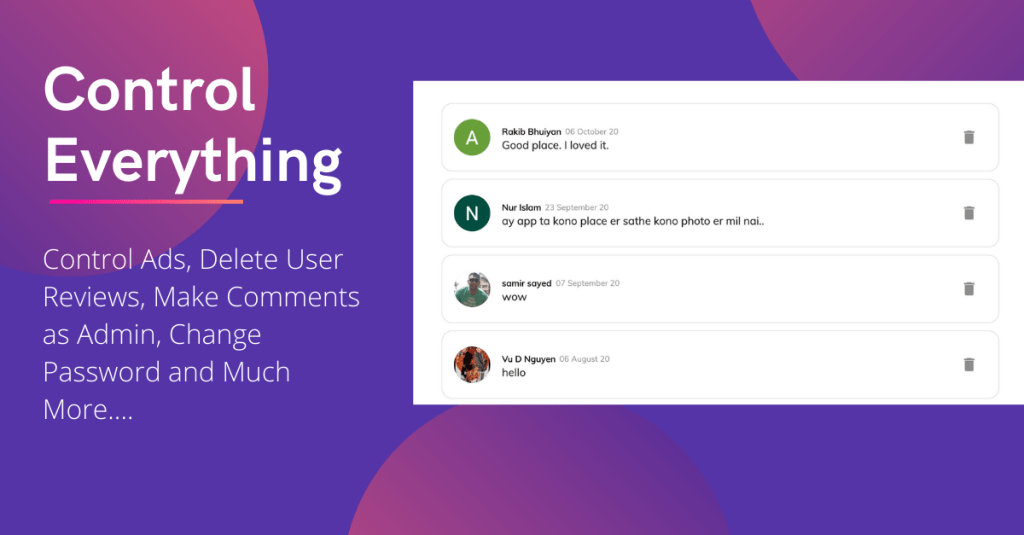
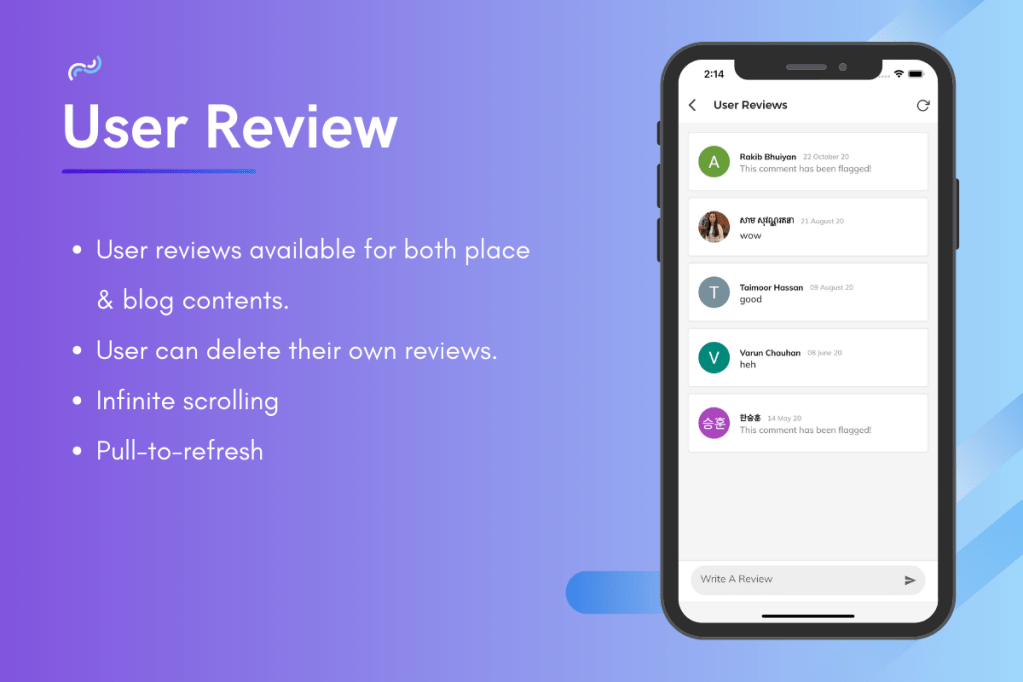
  • User Reviews : User can review on places & comment on blogs. User can also delete their comments.
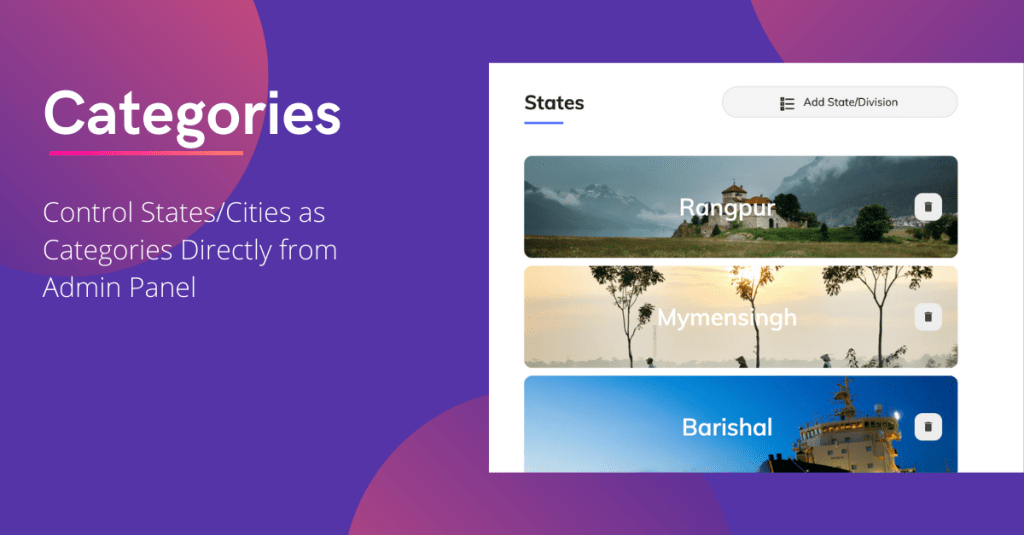
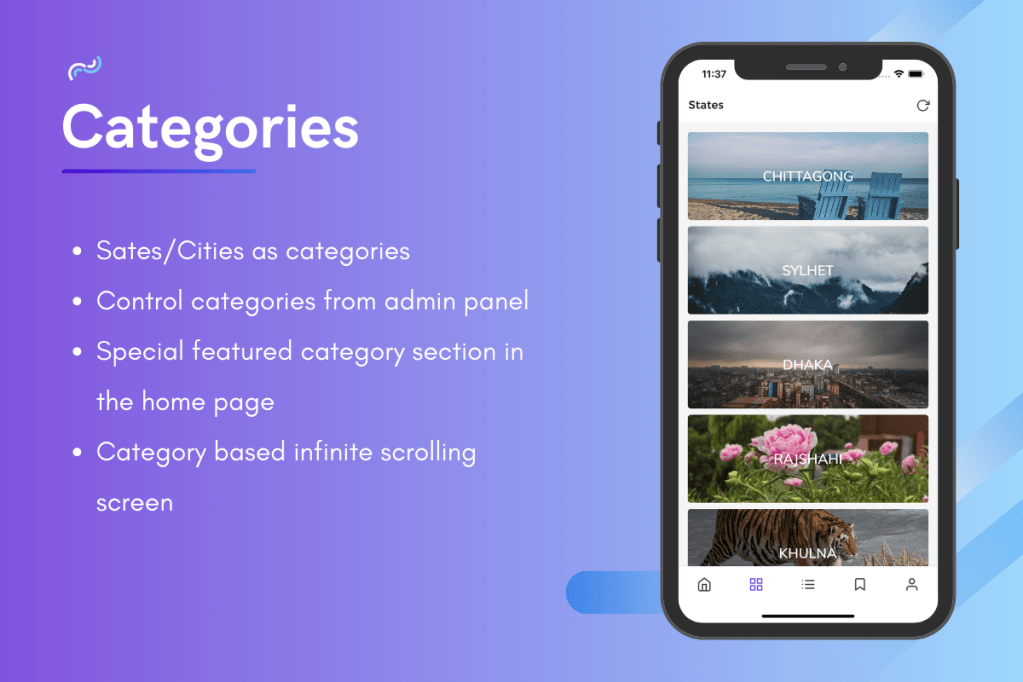
  • Categories : You can use you country states/cities as categories and the app will divide the contents according to the categories. It will help the users to find out places quickly.
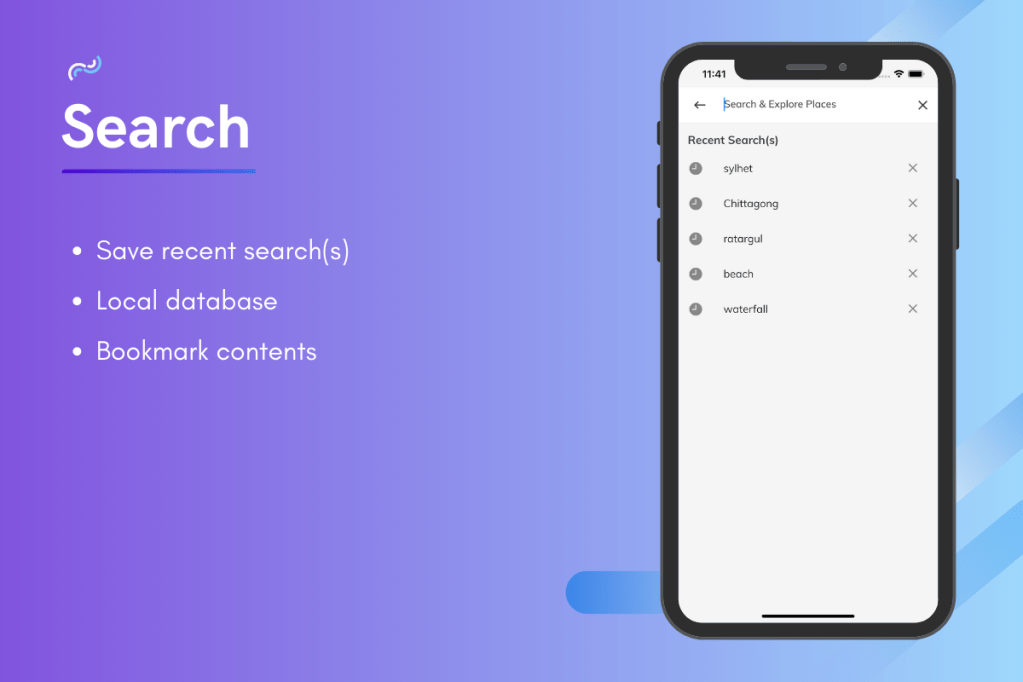
  • Search : Used Recent Search feature which will save the recent search(s) of users locally.
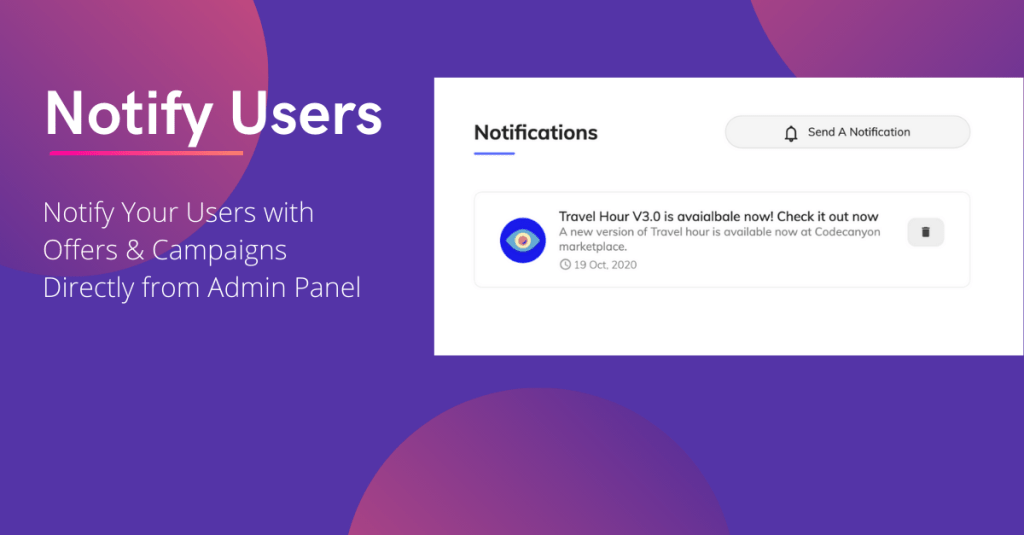
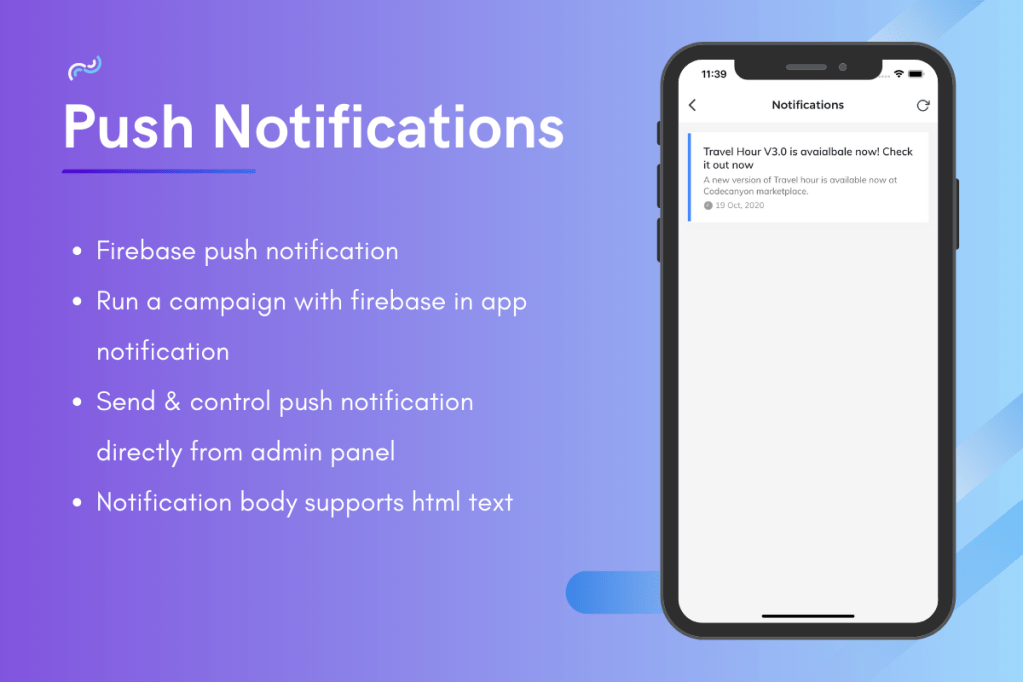
  • Firebase Push Notifications : Can be send push notifications directly from admin panel to all android & iOS users in just one click.
  • Firebase In App Messaging : Can be useful for any campaign setup.
  • Cached Image & Data : Images & database can be accessible even in offline.
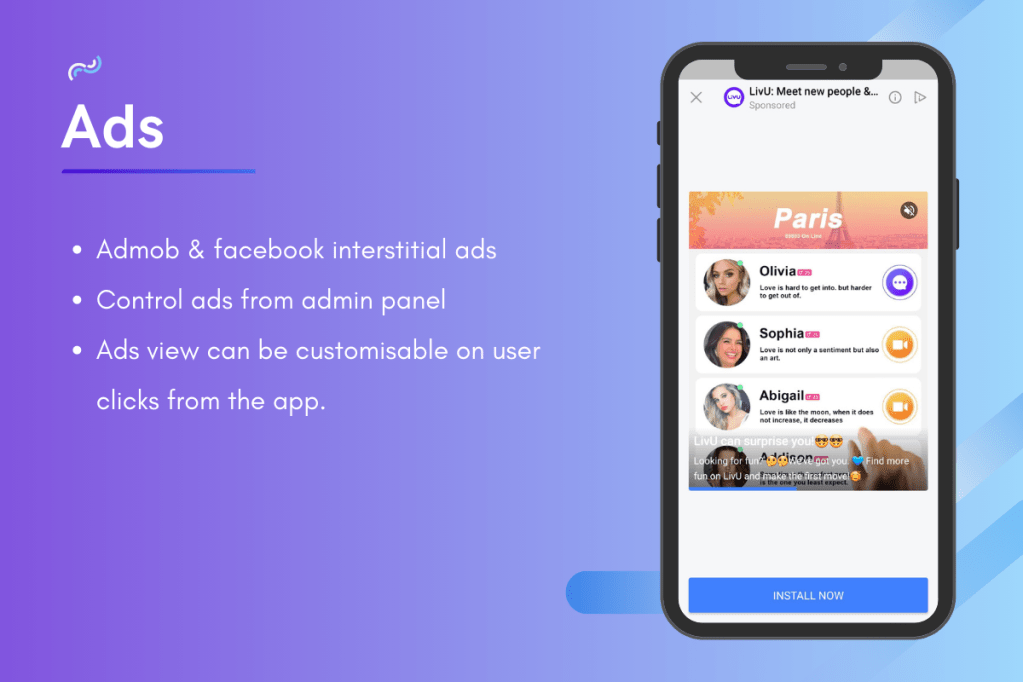
  • Admob & Facebook Ads : Used interstitial ads of both admob & facebook ads. Ads are configurable on user clicks. Ads can be controllable from admin panel.
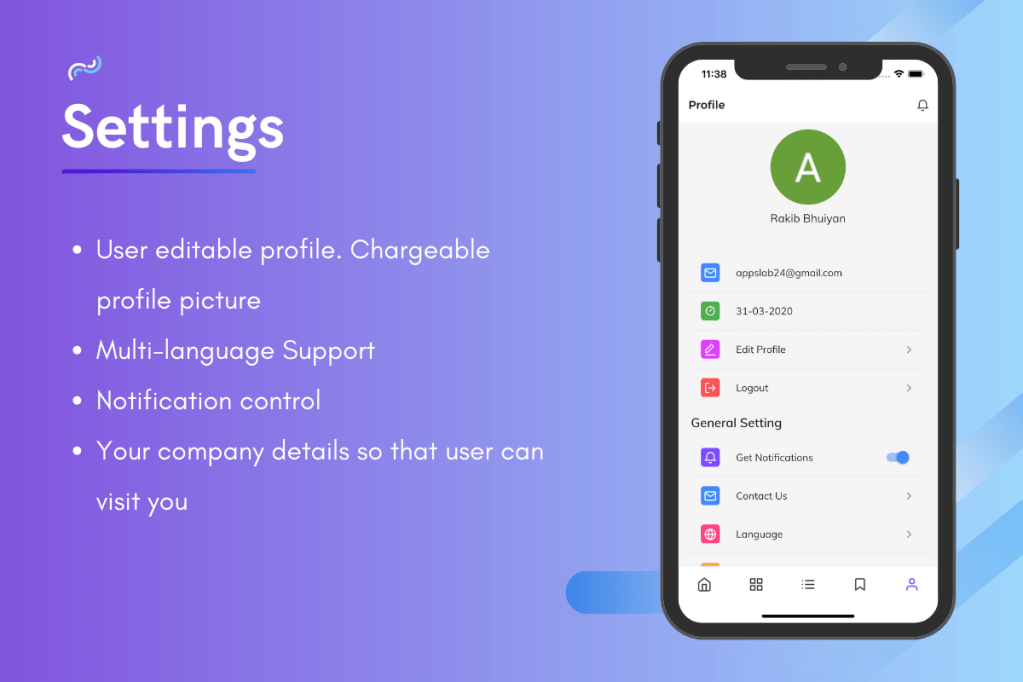
  • Multi-language Support : You can add your own language to the app with the easiest way.
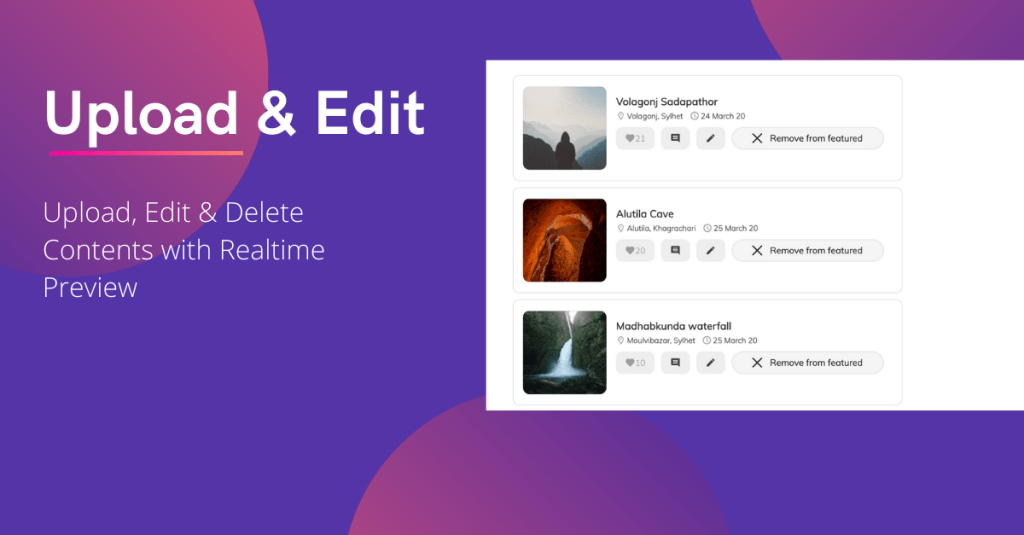
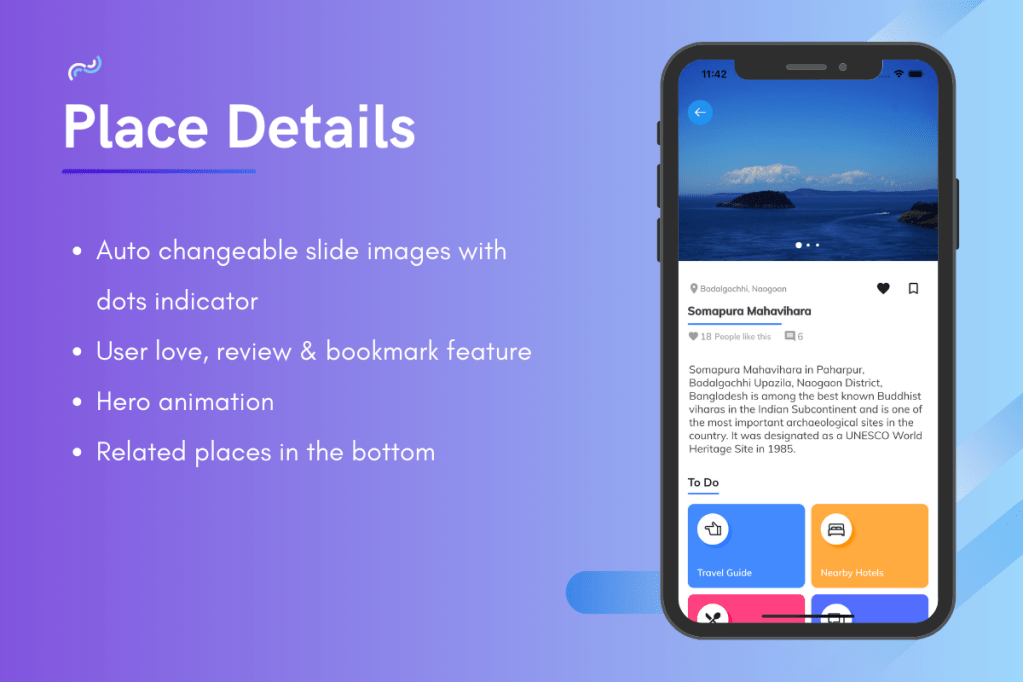
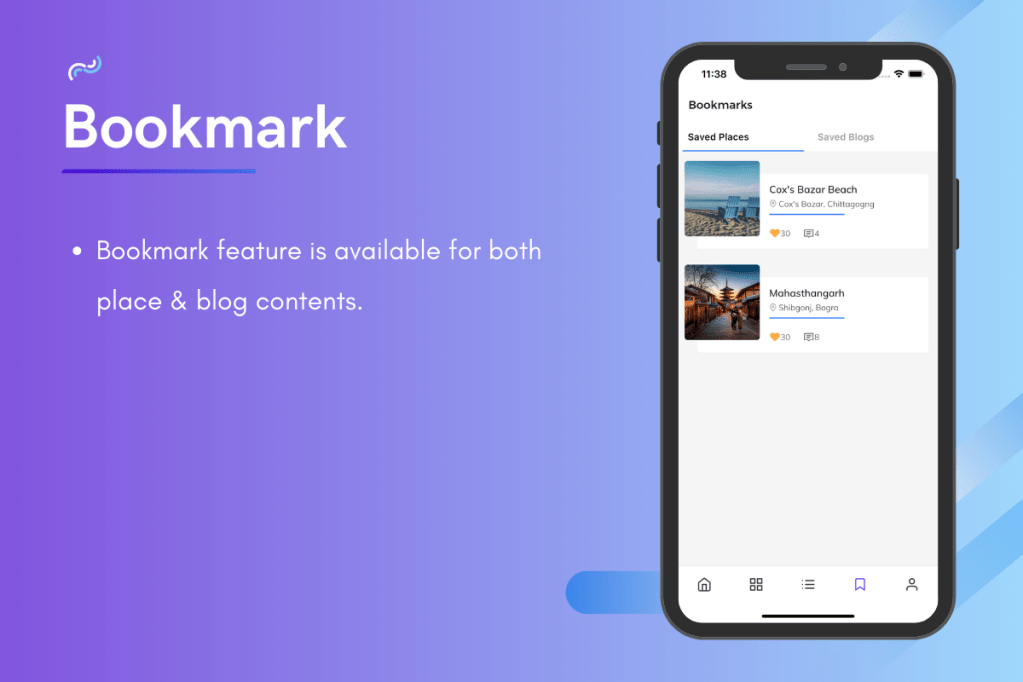
  • User Reaction & Bookmark : For both places & blog contents.
  • User Profile : Users can edit their name and update their profile pictures.
  • Html Support : Content description supports HTML text so that you can apply custom design with Html text.
  • Hero Animation : Used flutter special animation package Hero in all content for a smooth and seamless user experience.
  • Backend Service : Cloud Firestore Database from Google which is super fast, easy to use and also secure.
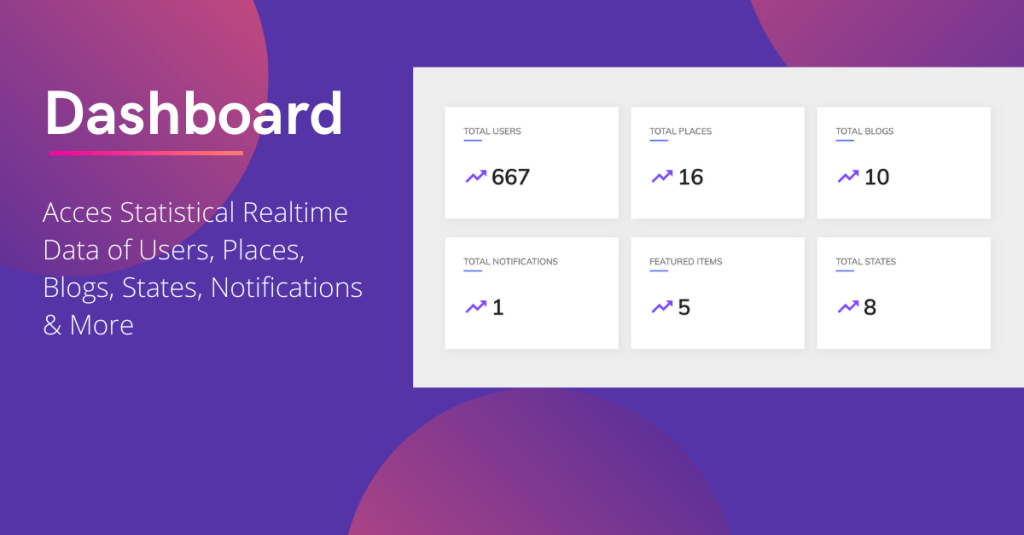
  • Firebase Analytics : To access realtime activity of the users.
  • State Management : Provider
  • Step by Step Documentation

Introduce Yourself (Example Post)

This is an example post, originally published as part of Blogging University. Enroll in one of our ten programs, and start your blog right.

You’re going to publish a post today. Don’t worry about how your blog looks. Don’t worry if you haven’t given it a name yet, or you’re feeling overwhelmed. Just click the “New Post” button, and tell us why you’re here.

Why do this?

  • Because it gives new readers context. What are you about? Why should they read your blog?
  • Because it will help you focus you own ideas about your blog and what you’d like to do with it.

The post can be short or long, a personal intro to your life or a bloggy mission statement, a manifesto for the future or a simple outline of your the types of things you hope to publish.

To help you get started, here are a few questions:

  • Why are you blogging publicly, rather than keeping a personal journal?
  • What topics do you think you’ll write about?
  • Who would you love to connect with via your blog?
  • If you blog successfully throughout the next year, what would you hope to have accomplished?

You’re not locked into any of this; one of the wonderful things about blogs is how they constantly evolve as we learn, grow, and interact with one another — but it’s good to know where and why you started, and articulating your goals may just give you a few other post ideas.

Can’t think how to get started? Just write the first thing that pops into your head. Anne Lamott, author of a book on writing we love, says that you need to give yourself permission to write a “crappy first draft”. Anne makes a great point — just start writing, and worry about editing it later.

When you’re ready to publish, give your post three to five tags that describe your blog’s focus — writing, photography, fiction, parenting, food, cars, movies, sports, whatever. These tags will help others who care about your topics find you in the Reader. Make sure one of the tags is “zerotohero,” so other new bloggers can find you, too.

Design a site like this with WordPress.com
Get started